How to download songs from SoundCloud

Everything you need to save SoundCloud music for offline listening: single tracks, full playlists and cover art, on any phone or computer. Each guide takes less than a minute to follow.

steps to your first MP3
3
apps to install
0
devices covered
4
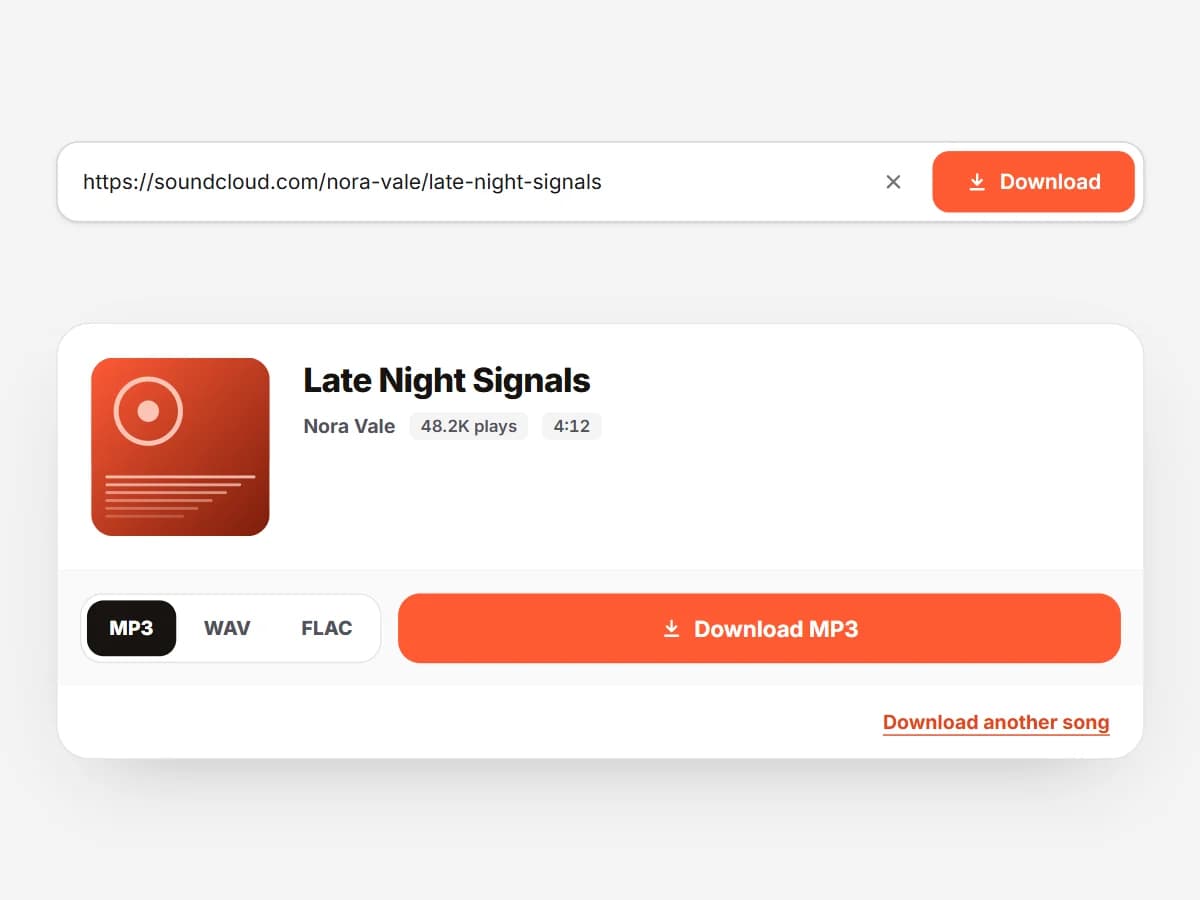
A SoundCloud link pasted into SCSaver, ready to download as MP3

The basics

Download a SoundCloud track as MP3

The same three steps work for every song, whether or not the artist turned on the download button.

  1. Step 1: Copy the SoundCloud link

    Open the track on SoundCloud and copy the URL from the address bar. In the app, tap Share and then Copy link. Short on.soundcloud.com links work too.

  2. Step 2: Paste it into SCSaver

    Go to the SCSaver home page, paste the link into the box and press Download. The track title, artist and artwork appear in a few seconds.

  3. Step 3: Pick a format and save

    Keep MP3 for everyday listening, or choose WAV or FLAC with a Supporter pass. Press download and the file lands in your Downloads folder, fully tagged.

More guides

Playlists, cover art and audio formats

Once you have saved your first track, these guides cover everything else SCSaver can do.

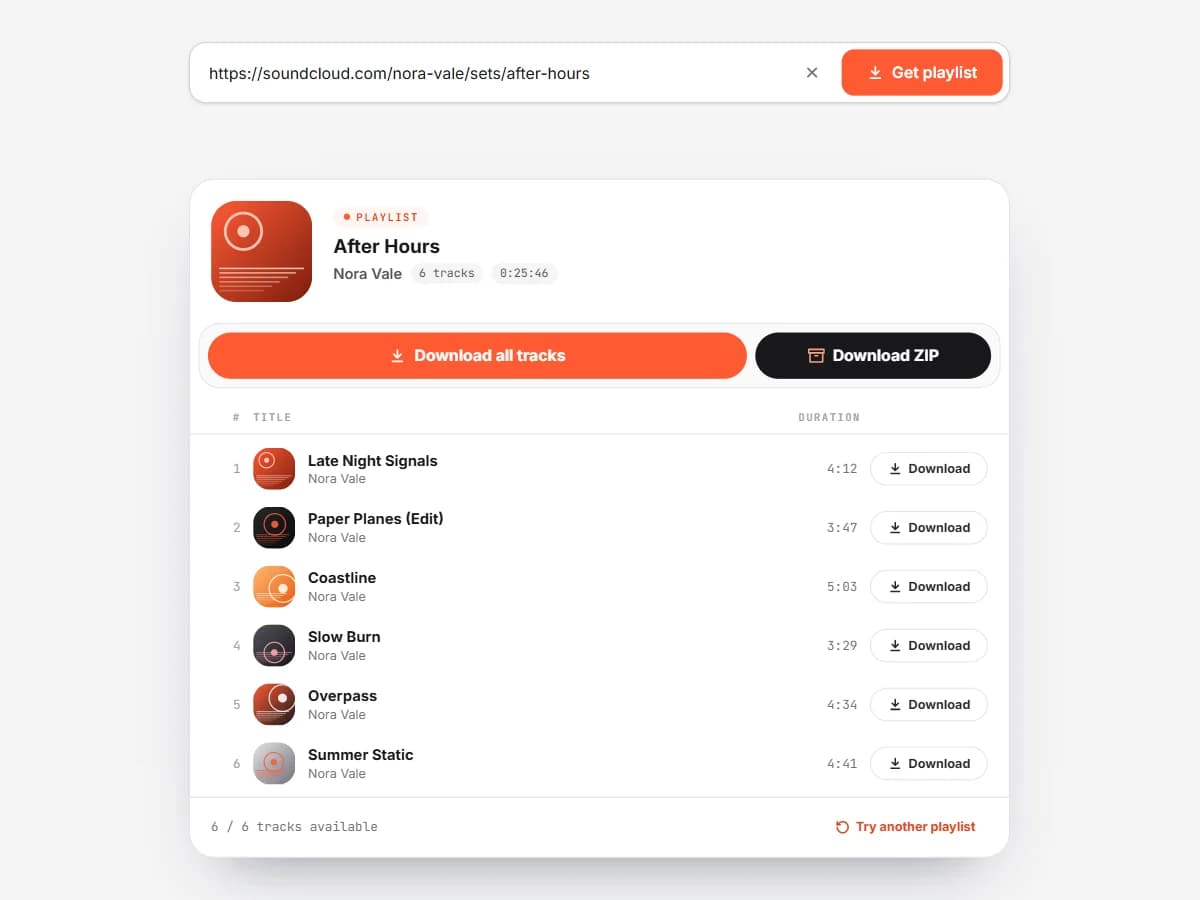
A SoundCloud playlist loaded in SCSaver with every track listed

How to download a SoundCloud playlist

Copy the link of a playlist, album, EP or set and paste it into the SoundCloud playlist downloader. SCSaver loads the whole tracklist, up to 1,000 songs, and lets you save each one as an MP3. Free users can download the first 10 tracks of any playlist. With a Supporter pass you can save every track, or download the entire playlist as a single ZIP file in one click.

Open the playlist downloader
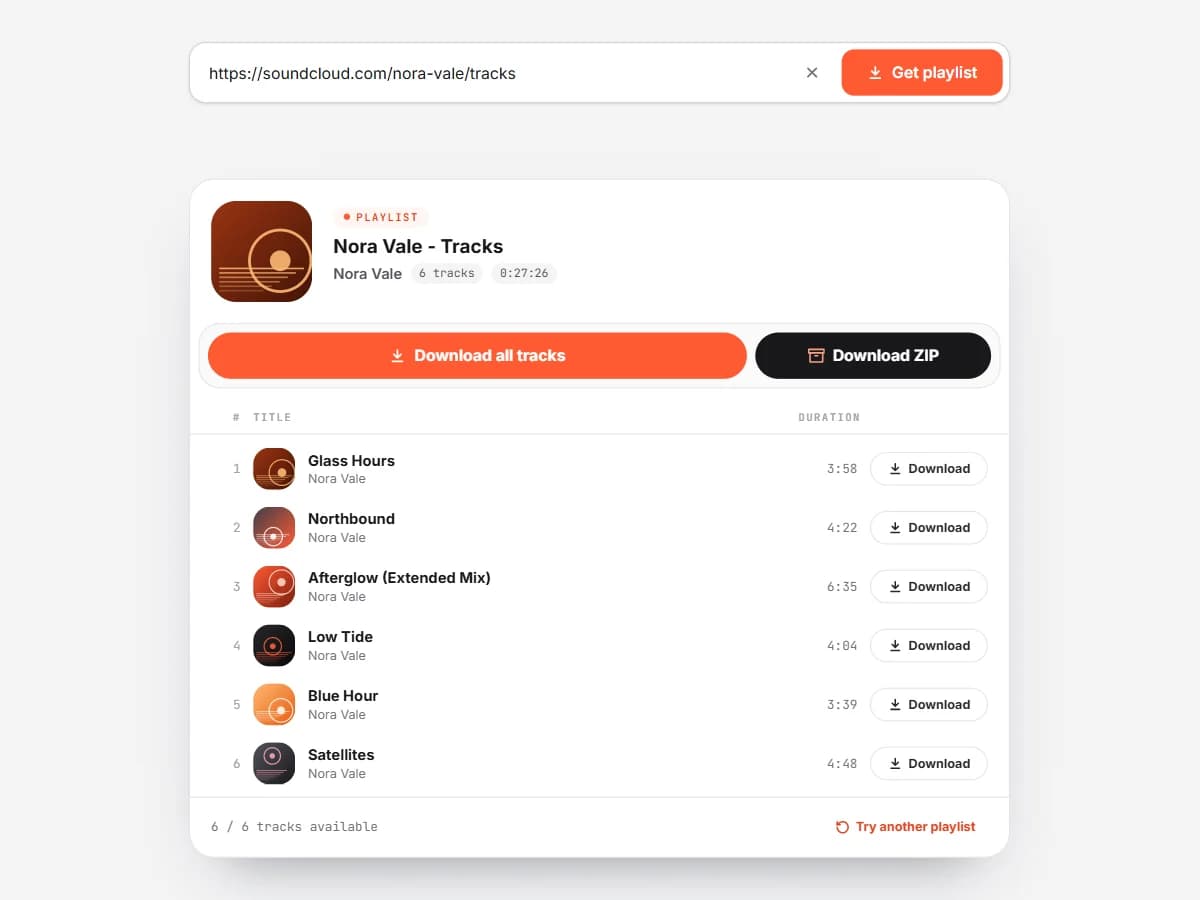
An artist profile link ending in /tracks pasted into SCSaver

How to download every track from an artist

Open the artist on SoundCloud and copy their profile link with /tracks at the end, for example soundcloud.com/artist/tracks. Paste it into the playlist downloader to list all of their public uploads. Use /albums instead to browse their releases and pick one.

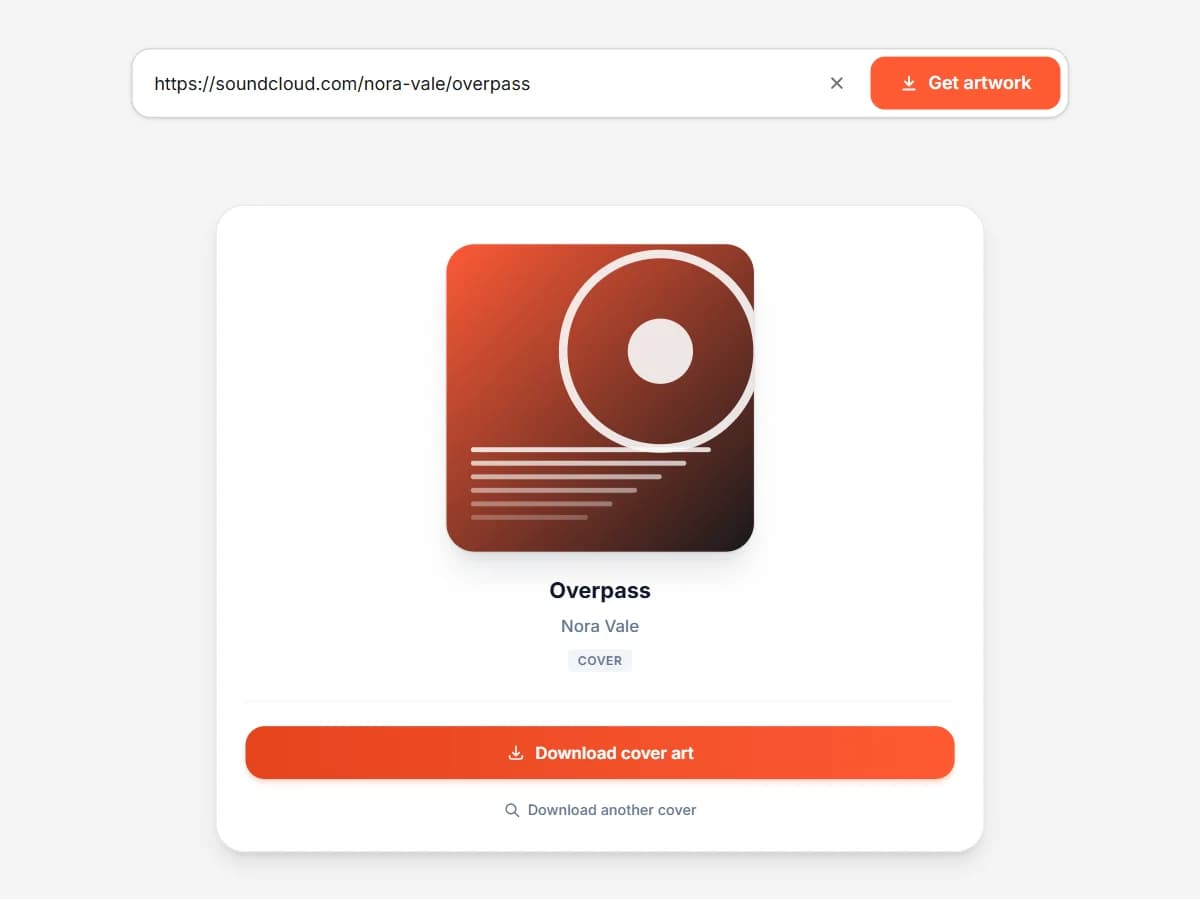
A SoundCloud cover art preview ready to download as JPG

How to download SoundCloud cover art

Paste a track link into the SoundCloud artwork downloader and press Get artwork. You get the full 500 x 500 pixel cover as a JPG, named after the song. If a track has no artwork of its own, you get the artist picture that SoundCloud shows in its place.

Open the artwork downloader
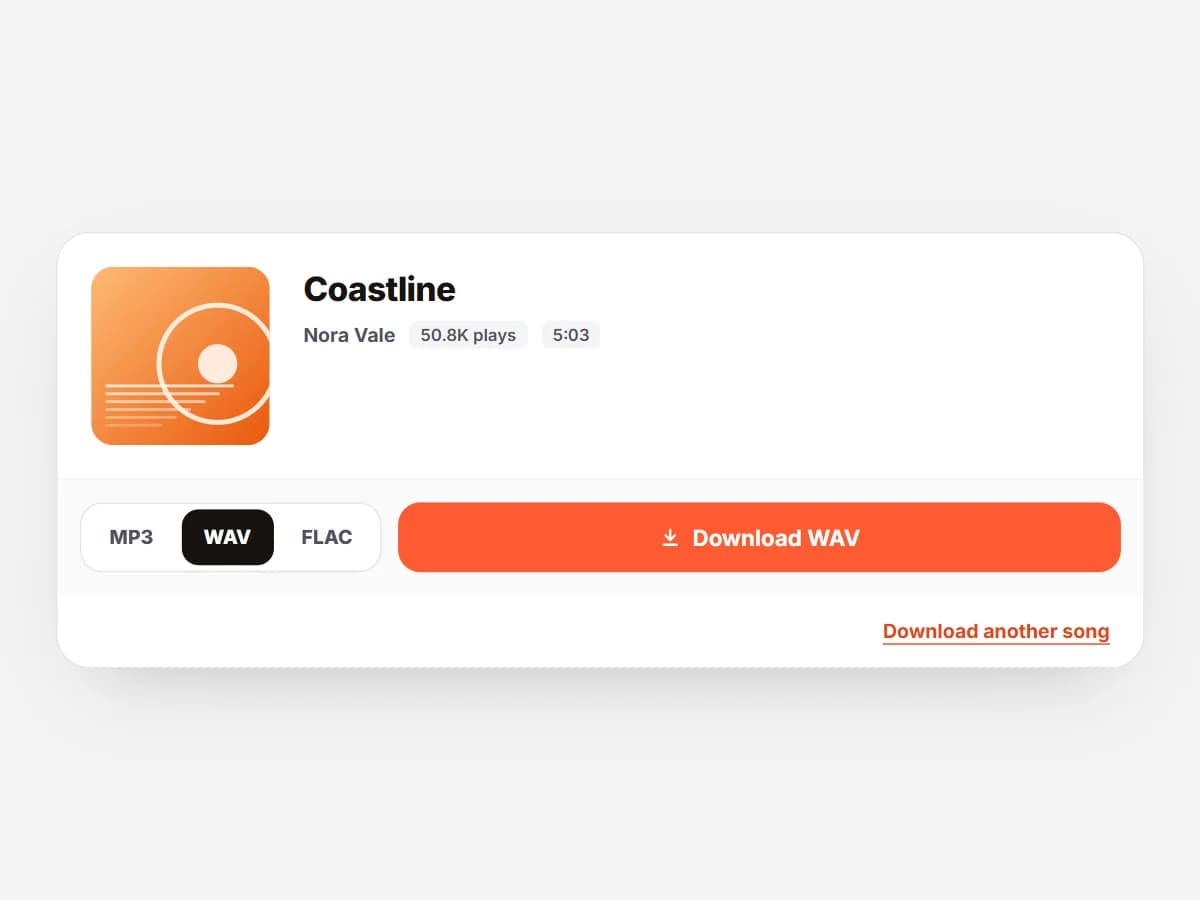
The MP3, WAV and FLAC format choice in SCSaver

How to convert SoundCloud to WAV or FLAC

Load a track on the home page, then switch the format from MP3 to WAV or FLAC before you download. These lossless formats are what Rekordbox, Serato, Traktor, Ableton and FL Studio prefer. WAV, FLAC and 320kbps MP3 are part of the Supporter pass. The file can only be as good as the stream SoundCloud delivers, so the gain is compatibility, not extra detail.

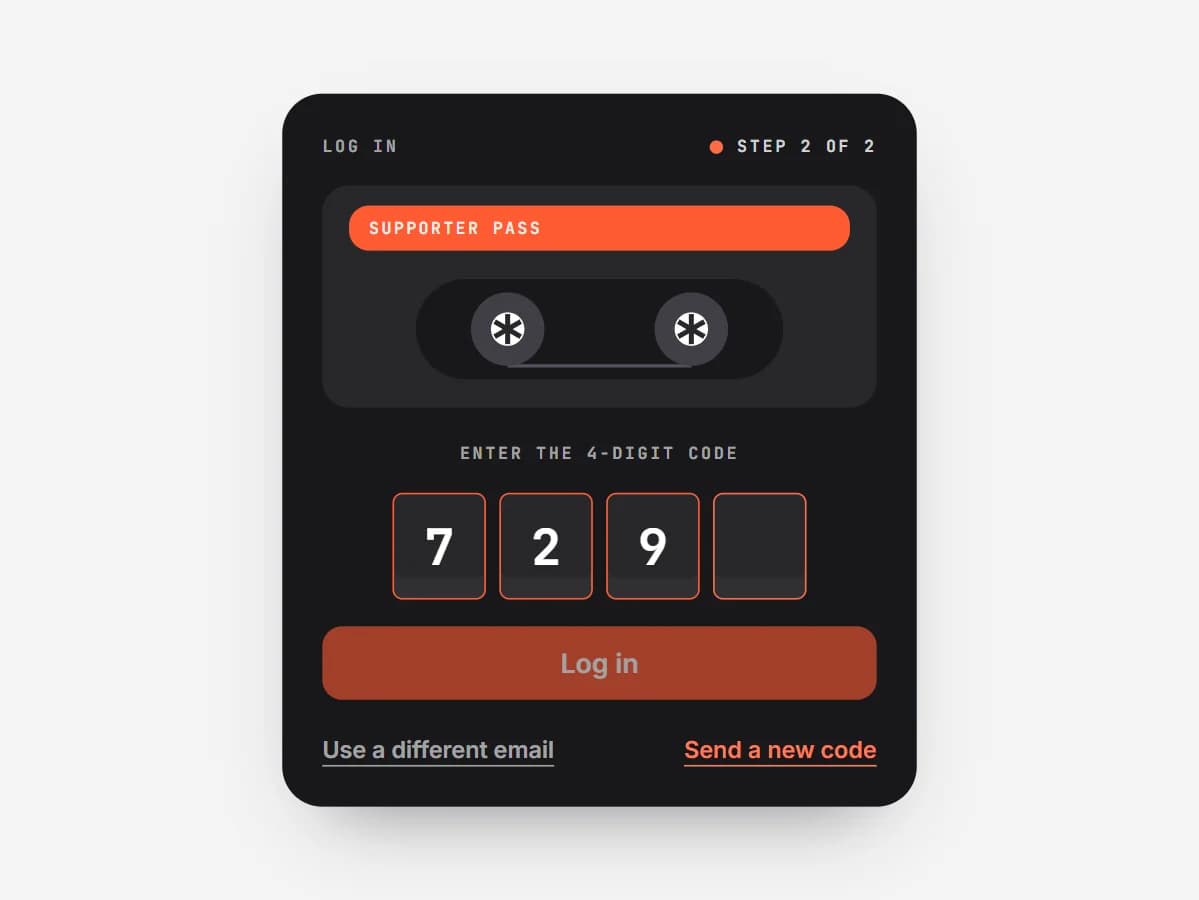
The SCSaver login page asking for the 4-digit code

How to activate your Supporter pass

Buy a pass on Ko-fi, then open the login page and enter the same email address you paid with. We send you a 4-digit code. Type it in and the Supporter features are switched on for that device straight away. Your pass and its days left are shown on your profile page.

See Supporter plans

On your device

How to download SoundCloud music on any device

SCSaver runs in the browser, so there is no SoundCloud downloader app or extension to install.

  1. iPhone and iPad

    In the SoundCloud app tap Share, then Copy Link. Open scsaver.net in Safari, paste the link and tap Download. The song is saved in the Files app under Downloads, where you can play it or share it to another app.

  2. Android

    Copy the track link from the SoundCloud app or website and paste it into scsaver.net in Chrome. The MP3 goes to your Downloads folder and appears in your music player.

  3. Windows PC

    Paste the SoundCloud URL in Chrome, Edge or Firefox and press Download. The file is saved to your Downloads folder, ready for Windows Media Player, VLC or your DJ software.

  4. Mac

    Paste the link in Safari, Chrome or Firefox. Open the file from Downloads, or drag it into the Music app to sync it with your iPhone.

Troubleshooting

When a download does not work

Most problems come from the link itself. Still stuck? Write to [email protected].

Why does my SoundCloud link not load?

Check that the track is public and that you copied the full link. Private tracks, deleted uploads and songs that are blocked in your country can't be loaded.

Why is my download only 30 seconds long?

Some tracks are only available to SoundCloud Go+ subscribers. For everyone else SoundCloud streams a 30-second preview, and that preview is all that can be saved.

Where do downloaded songs go on iPhone?

Open the Files app and look in the Downloads folder. From there you can play the song, move it or share it to another app.

Can I download a SoundCloud playlist all at once?

Yes, with a Supporter pass. Load the playlist in the SoundCloud playlist downloader and press the ZIP button to save every track in one file.

Why is a track missing from my playlist ZIP?

Tracks that can't be downloaded, such as private songs or Go+ previews, are skipped. The ZIP includes a _missing_tracks.txt file that lists each one.

I paid for a pass but it is not active. What now?

Log in with the exact email shown on your Ko-fi receipt. If it still does not work, email [email protected] and we will sort it out.

Ready to download from SoundCloud?

Paste any public SoundCloud link and save it as an MP3 in seconds.

Open the downloader